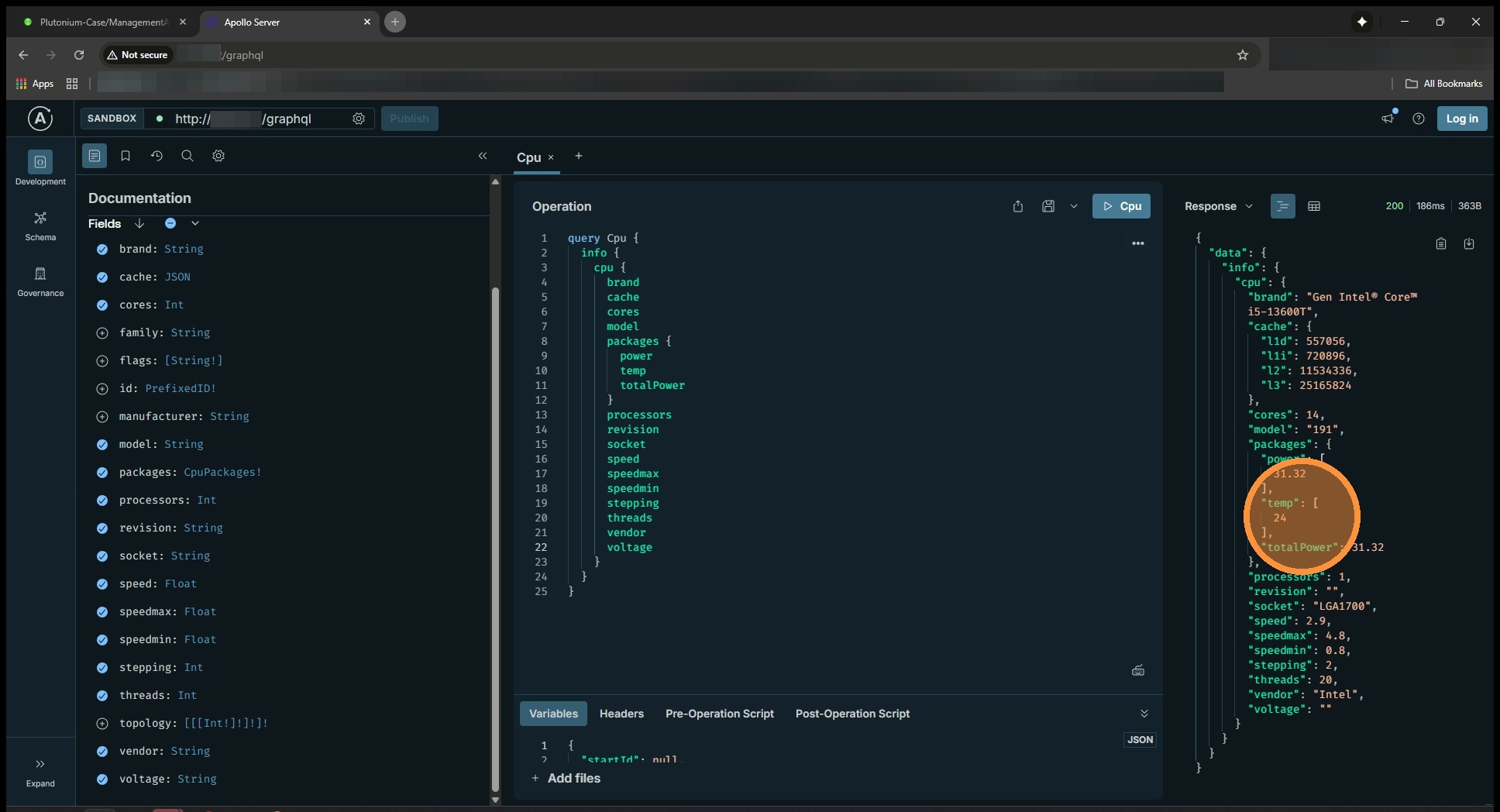
In a nutshell, we’re trying to see what “temperature” variables are available through the API. Using the instructions below will allow you to get the output from your Unraid server directly.
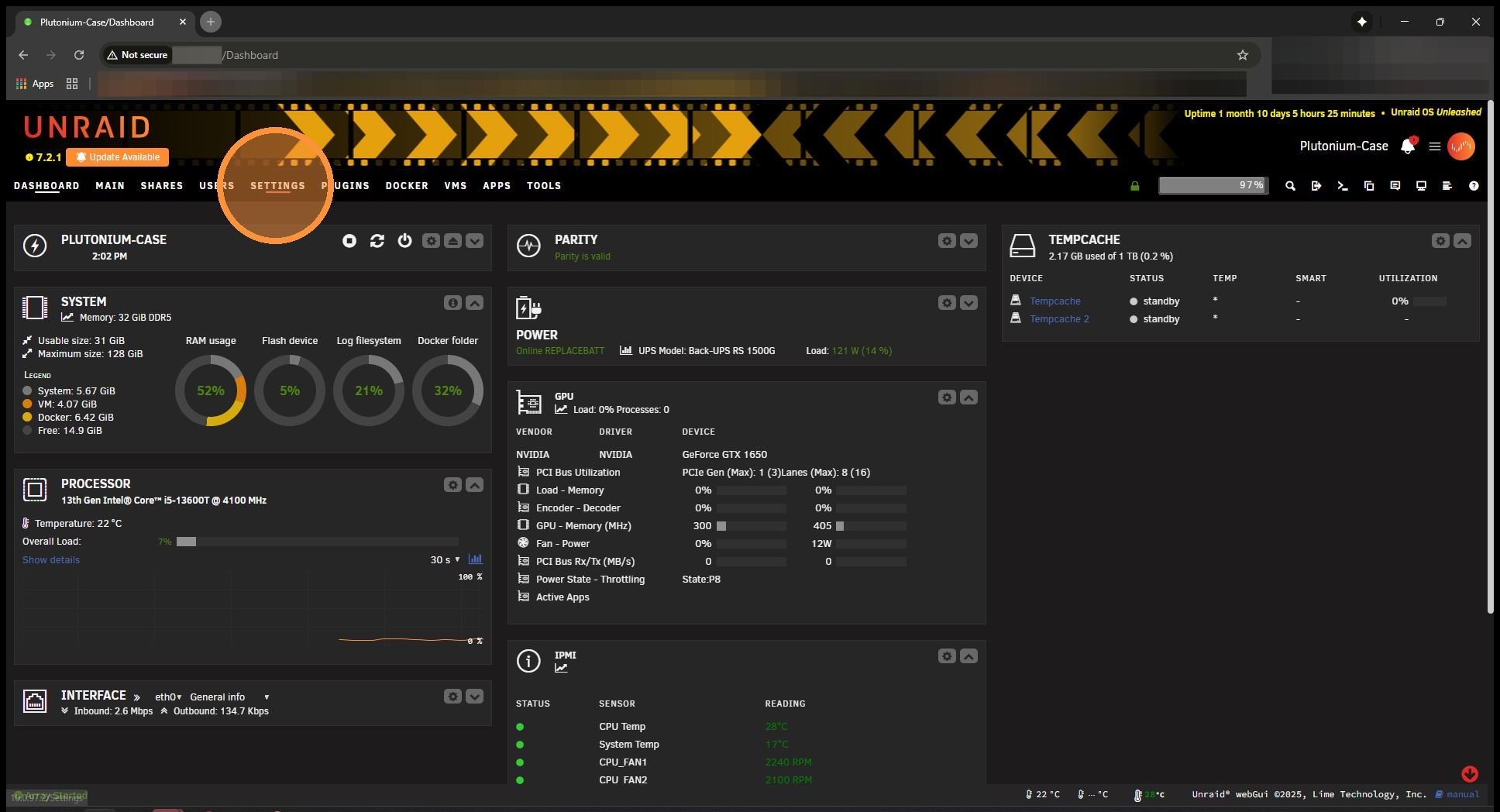
1. In your Unraid Dashboard select Settings
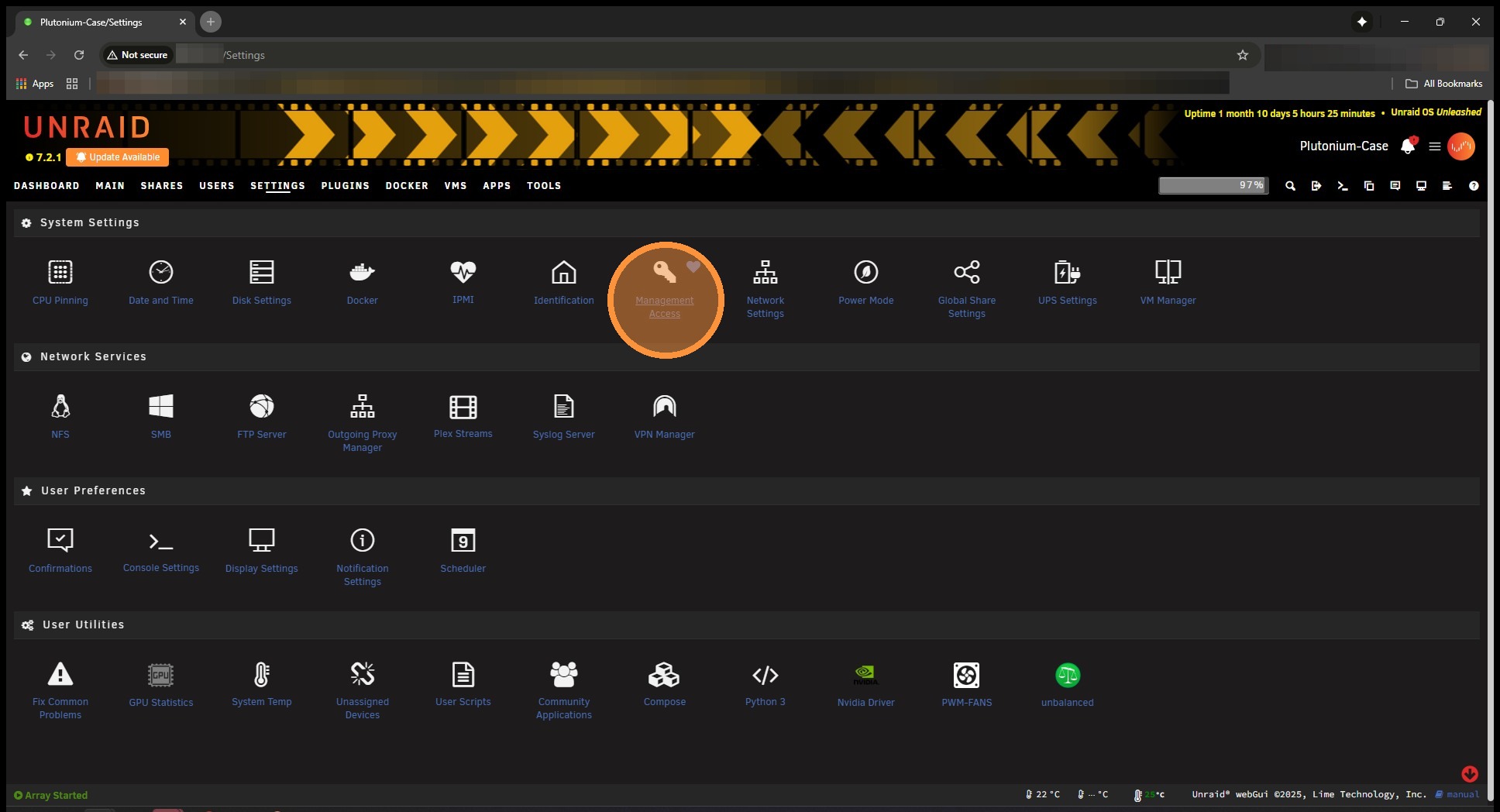
2. Now select Management Access
3. Then the Unraid API Settings tab
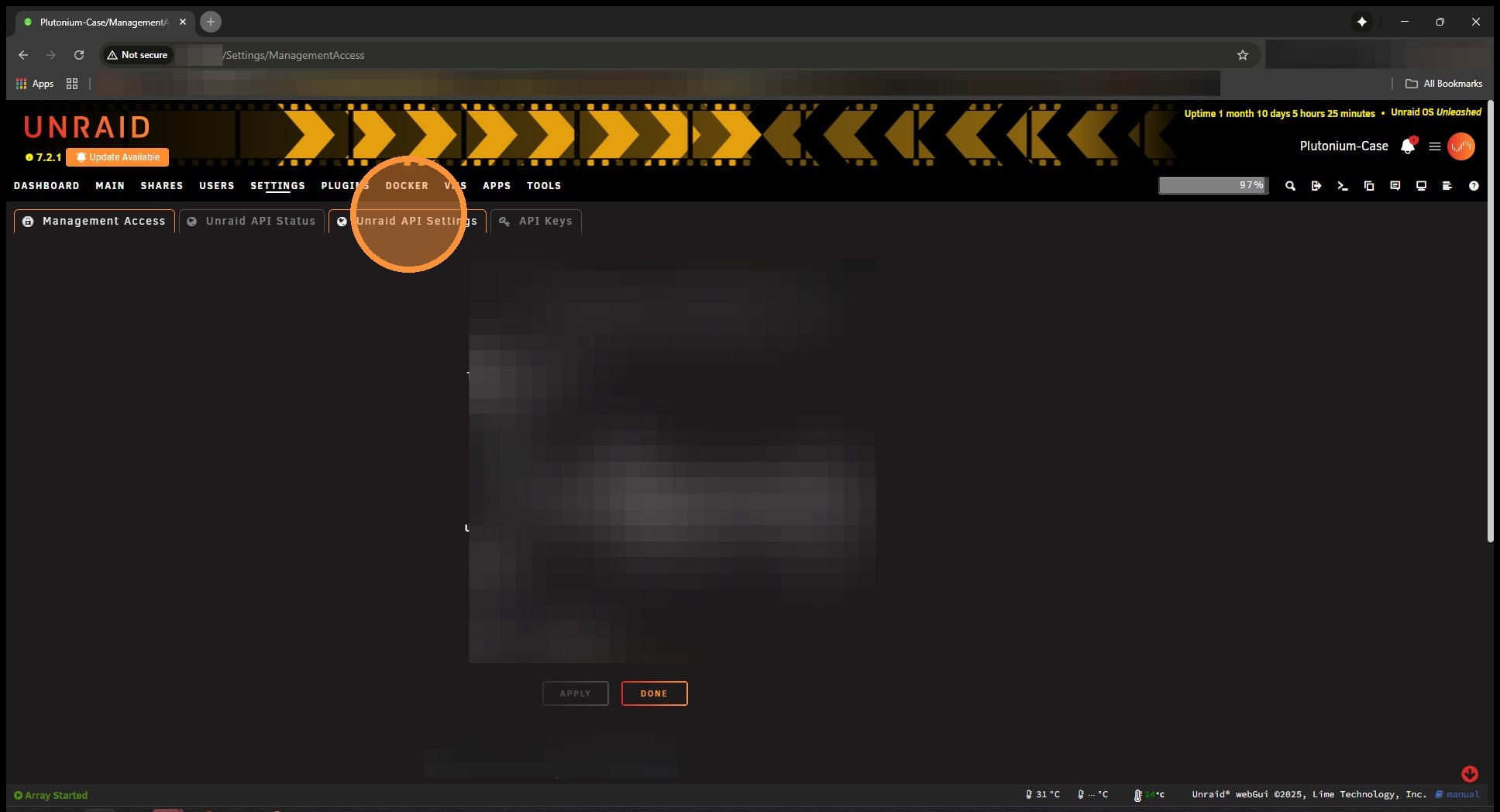
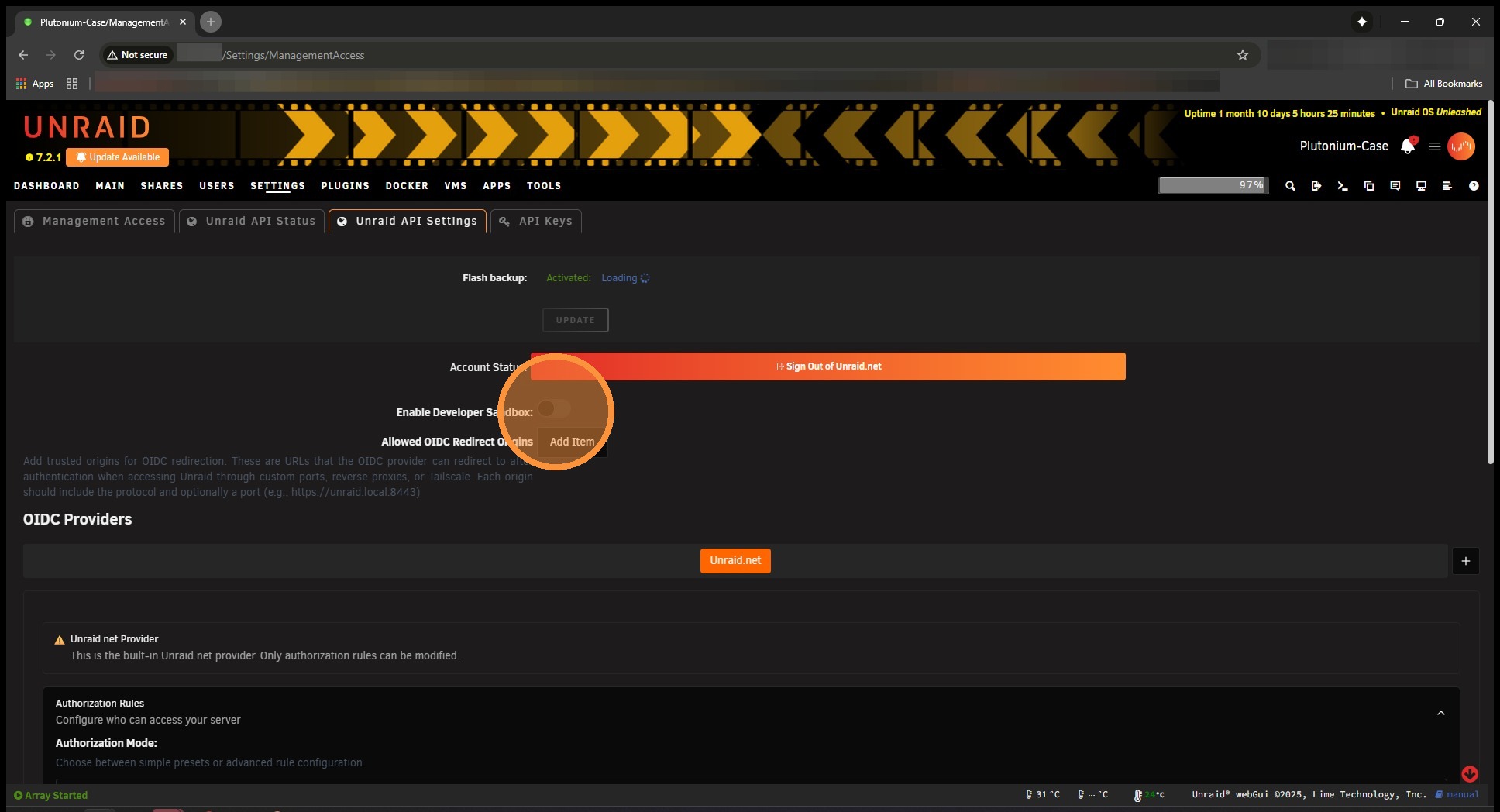
4. Turn on Enable Developer Sandbox and hit Apply at the bottom of the page.
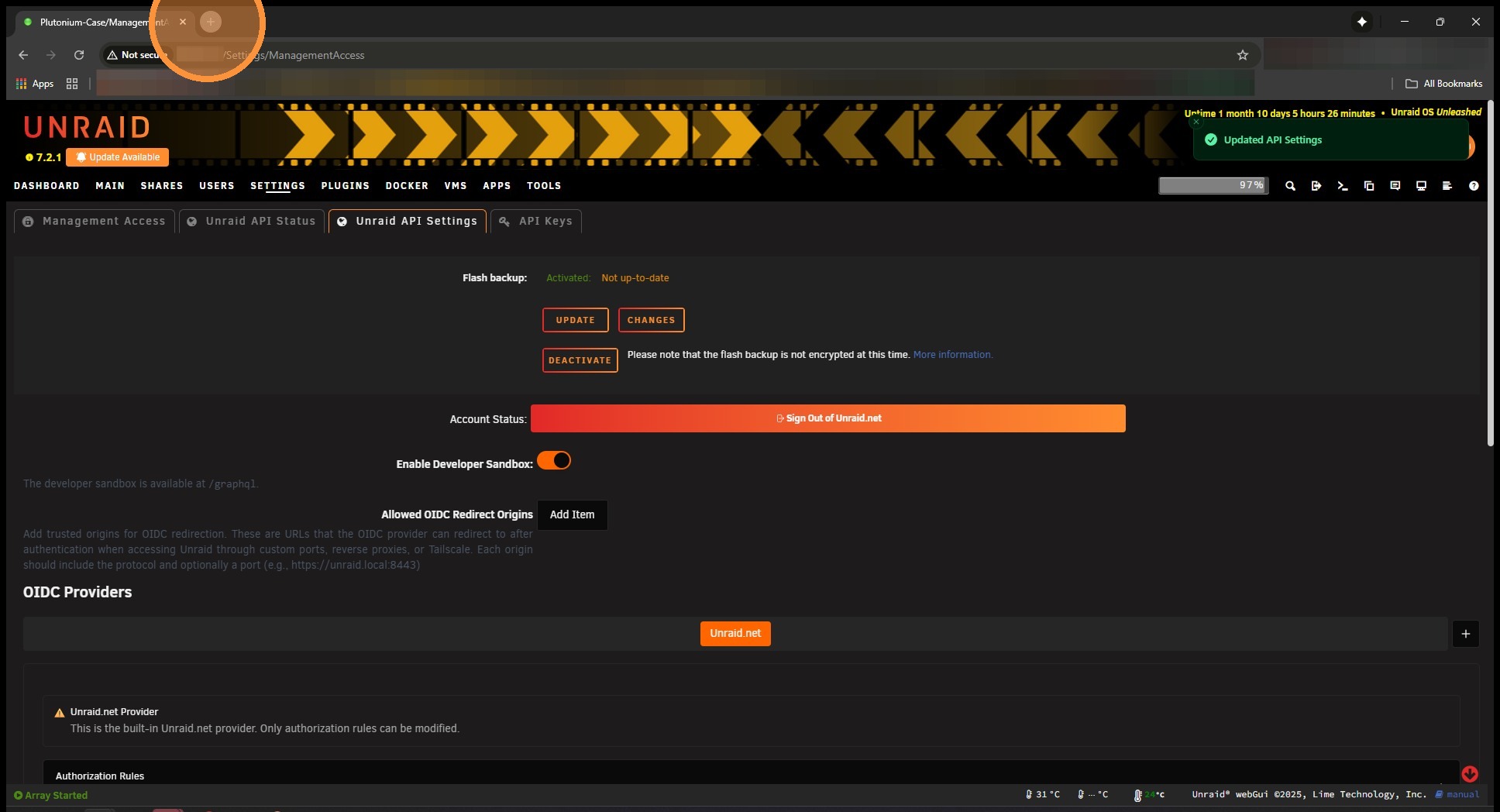
5. Open up a new tab and enter in serverip/graphql (ex 192.168.1.2/graphql) and hit enter.
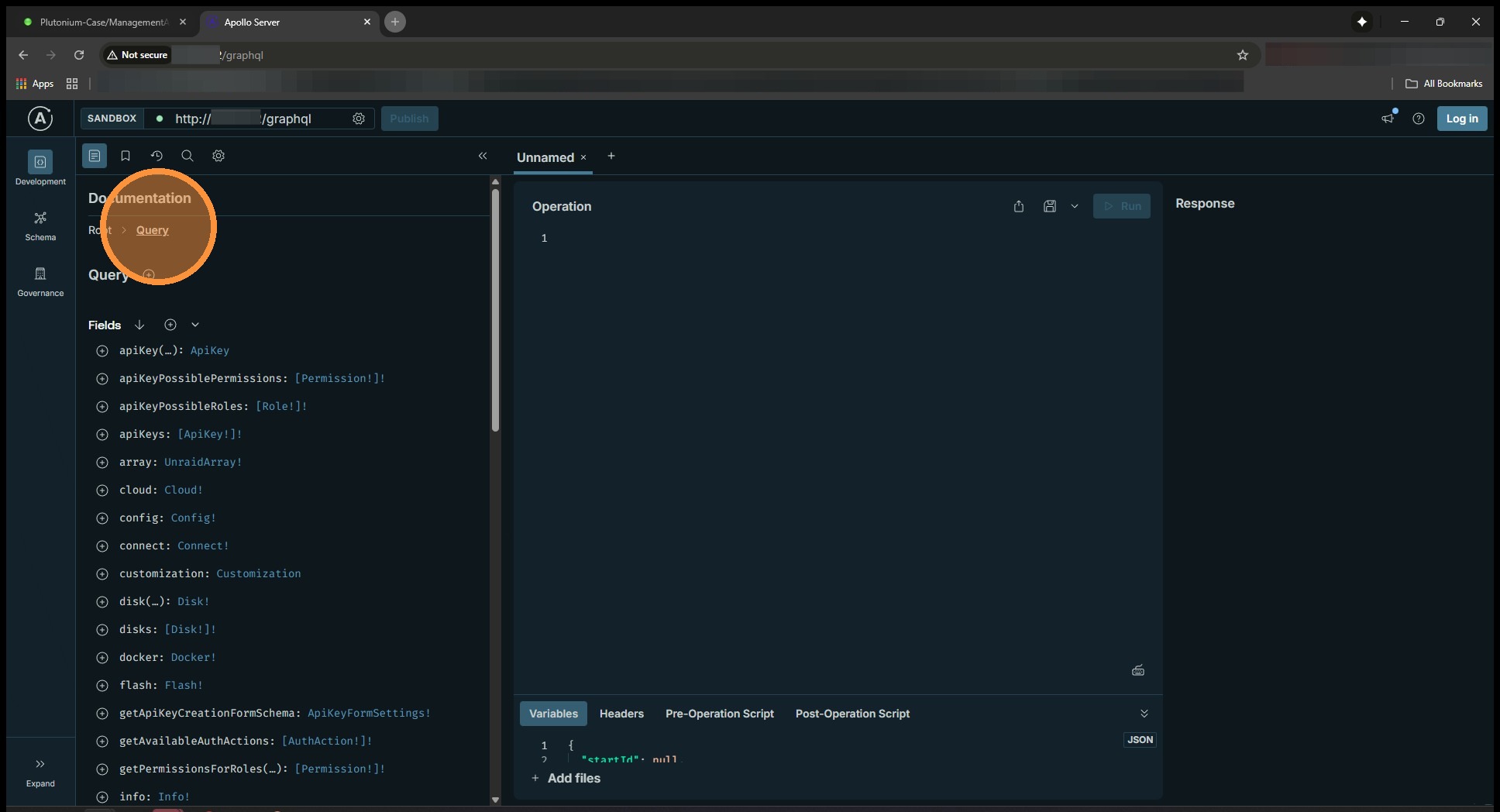
6. In the query builder, make sure you’re under Query.
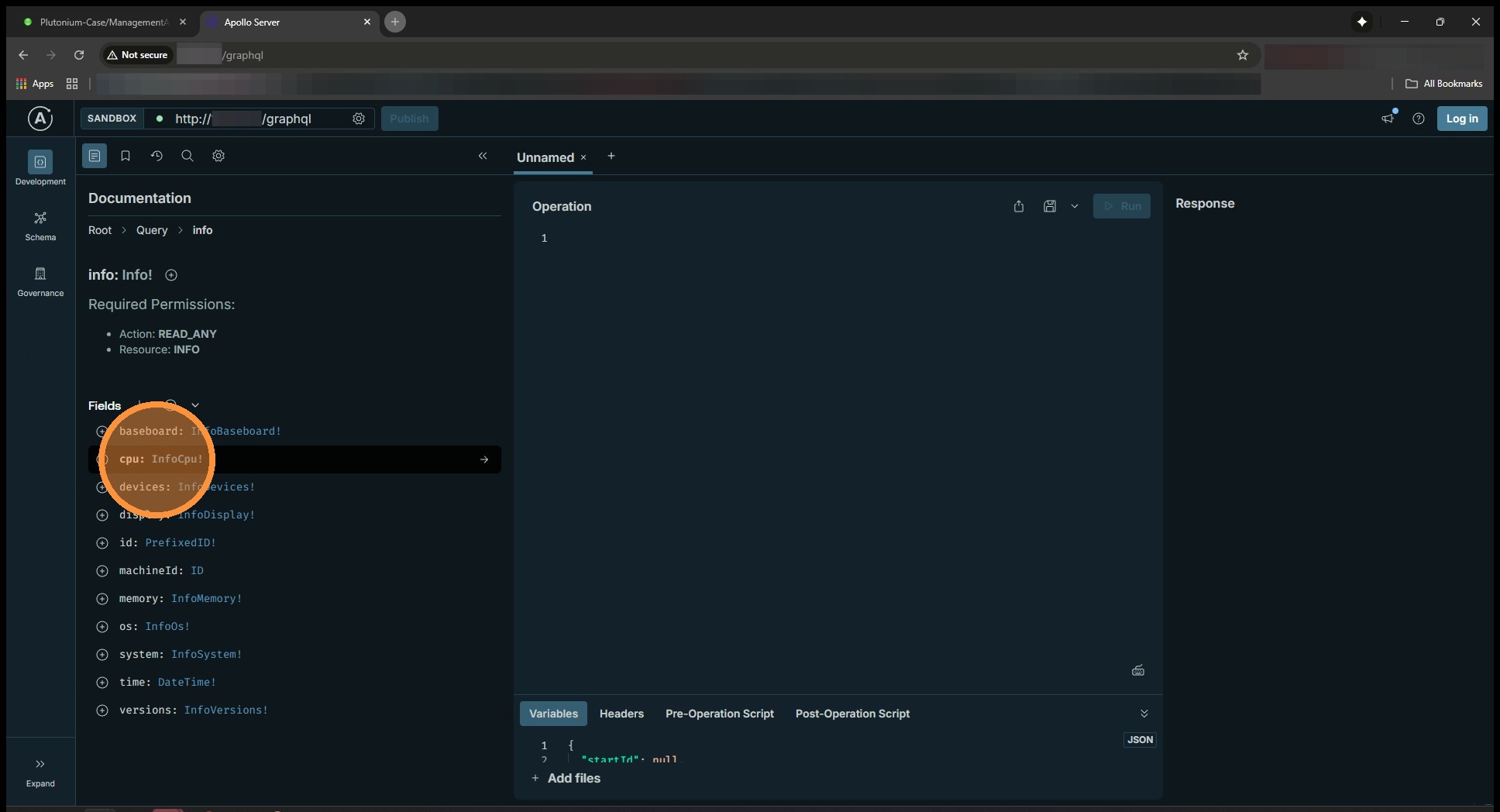
7. Click into info

8. Now cpu
9. Start enabling nearly everything here. You can leave out family, flags, id, and topology as it’s noise. Enable EVERYTHING else by clicking on the + circle. You should see it building the query to your right.

10. Note – Packages should include sub items. Enable all of these as well.
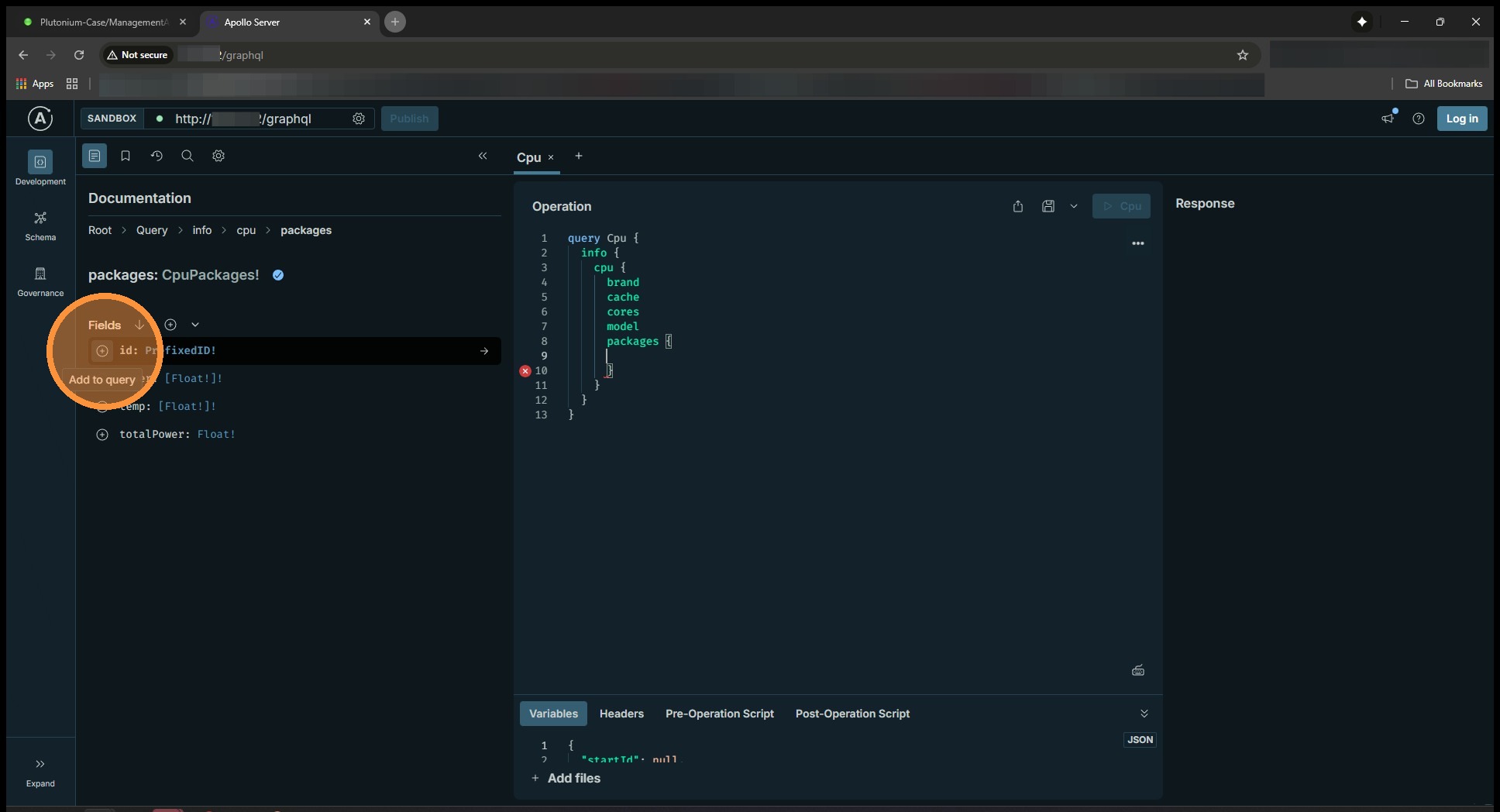
11. Once enabled, you can click on the cpu above in the tree to go back to the main cpu attributes.
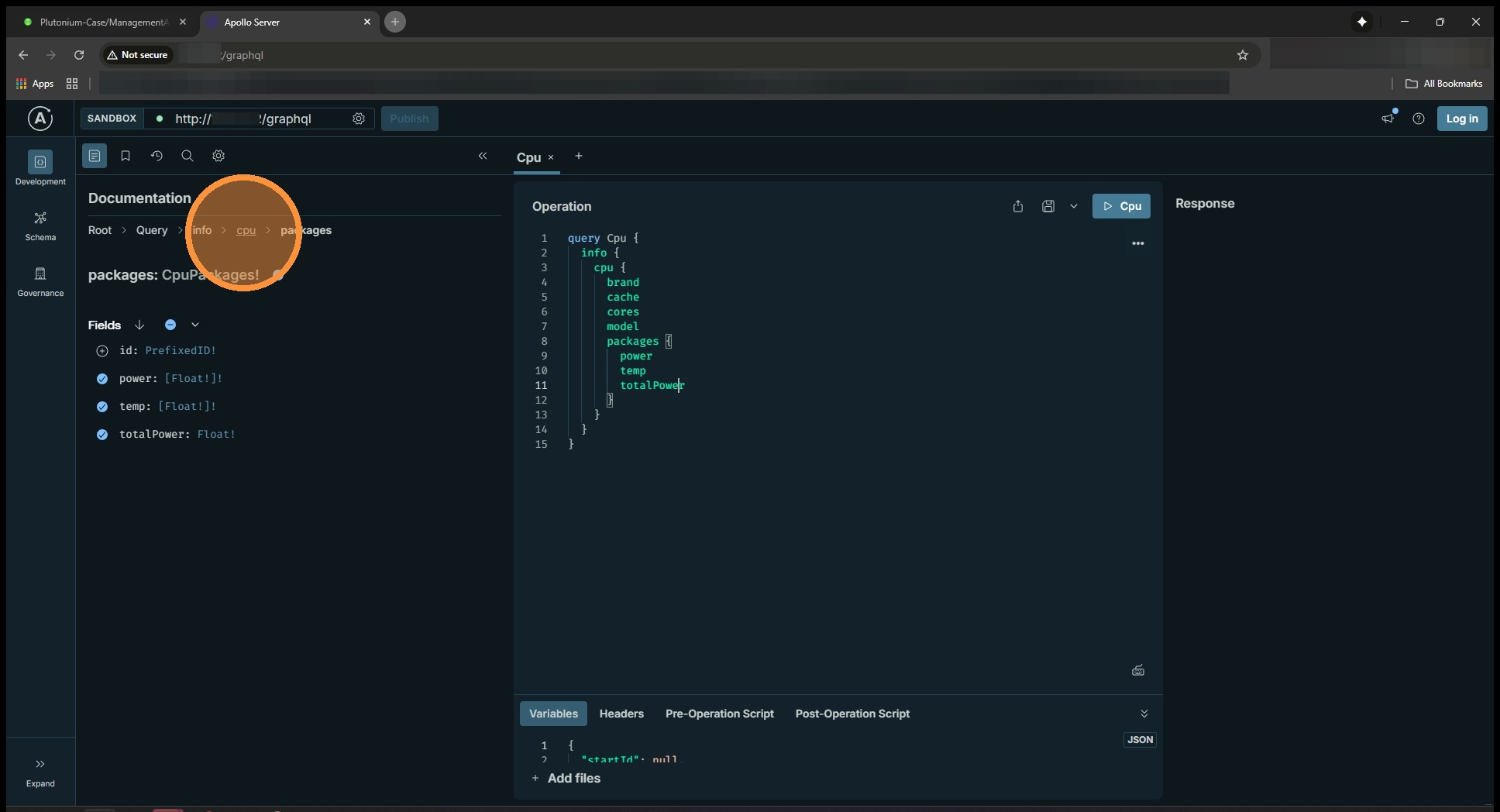
12. Once everything has been added to the query, hit the run query button.
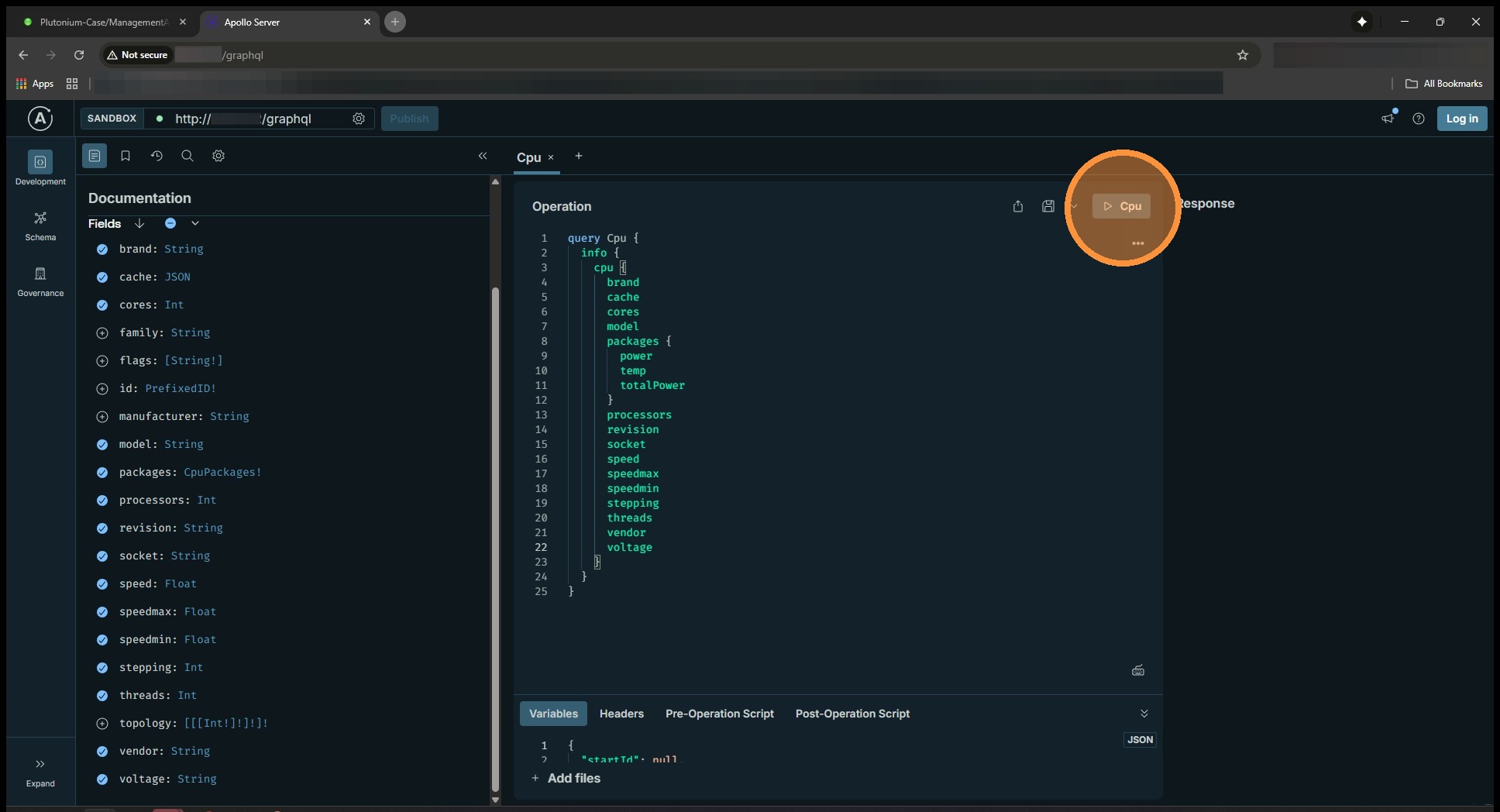
13. Your query results will be spit out to the right. We’re trying to find what “temps” we can get out of the API on an AMD system. On my Intel system, we only have a single package temperature available through the API.